Ansible YAML Inventory Example: Master Guide For Begineer
In this guide, we will learn through an Ansible YAML inventory example to help you understand the best practices for organizing your hosts.
Kashyap Merai / / ansible · 5 min read
Inventory is the most important part for Ansible to manage your infrastructure efficiently.
Inventory is the list of host machines and groups that you want to target with Ansible and how you structure that file will impact the readability and scalability of your infrastructure and automation pipeline.
In this guide, we will learn through an Ansible YAML inventory example to help you understand the best practices for organizing your hosts.
What Is Ansible Inventory and Its Importance?
Overview of Ansible Inventory
An inventory is where you write the target hosts that Ansible should manage. You can define the individual machines or groups of machines with categories such as web servers, and databases.
An inventory file tells Ansible which system to target, how to connect, and what kind of configuration and tasks it should apply when you run the playbook.
The default way to manage the Ansible inventory is by using the INI format file, but YAML is the most preferred way due to its readability and flexibility.
You might be aware that YAML is widely used for the configuration and you can integrate it with your existing workflow to manage the Ansible inventory the same way.
Let’s learn about the benefits following the Ansible YAML inventory example.
Benefits of Using YAML Format for Ansible Inventory
You might wonder why not use the INI default format for the inventory. Well, YAML offers advantages for defining the Ansible inventories.
Readability: YAML’s indentation-based markup structure makes it easy to read and understand without special environments.
Support for complex data: YAML has the support to handle the lists, dictionaries, and nested structure to simplify the management group of hosts and complex dynamic inventories.
Scalability: You can organize your inventory files into different directories which makes it easy to manage the large infrastructure and provide scalability.
Master Ansible yum localinstall: Ultimate Guide
How to Use Ansible Without Root Access: Ultimate Guide
Let’s understand the YAML syntax with the Ansible YAML inventory example.
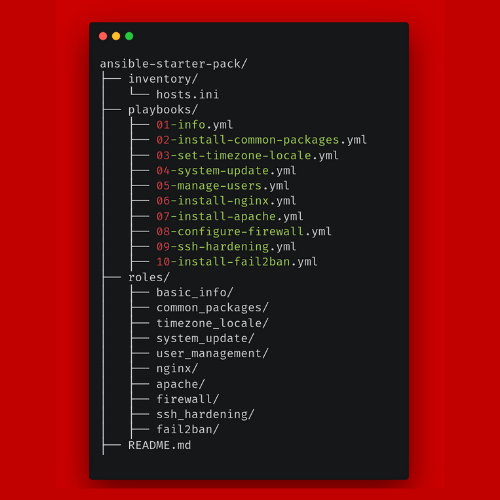
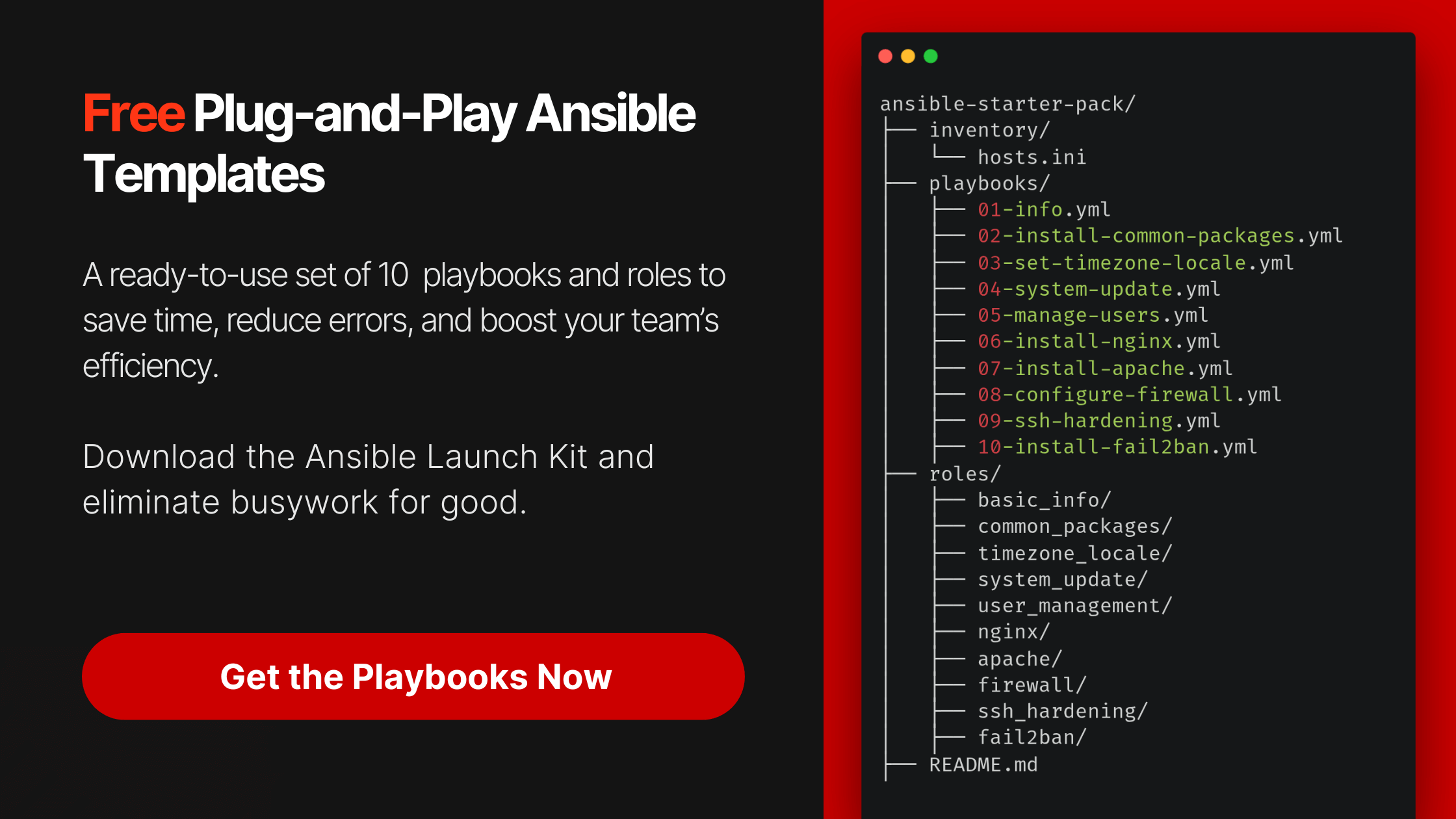
Grab the Free Ansible Starter Pack
Stop wasting time on server setup. Automate everything in minutes.
Understanding YAML Syntax for Ansible Inventory
Basic YAML Structure
YAML has a straightforward key-value pair system with indentation which defines relationships between data.
Here’s an overview of key syntax rules you’ll need to work with Ansible inventory:
| Key-value pairs | Each key must be followed by a colon (:), with the value defined after. |
|---|---|
| Lists | Defined by dashes (-) for multiple items. |
| Dictionaries | Nested key-value pairs inside a host or group. |
This simple yet powerful structure makes YAML best-suited for creating flexible inventories in Ansible.
Let’s move forward by creating a Simple Ansible YAML Inventory Example.
Creating a Simple Ansible YAML Inventory Example
Example 1: Defining Hosts and Groups
A basic YAML inventory defines hosts and organizes them into groups. Here’s an example that demonstrates this:
all:
  hosts:
    server1:
    server2:
  children:
    webservers:
      hosts:
        server1:
    dbservers:
      hosts:
server2:- We’ve defined two hosts:
server1andserver2. - These hosts are then grouped into two categories:
webserversanddbservers server1underwebserversandserver2underdbservers.
This structure allows you to run playbooks targeting specific hosts or groups.
Example 2: Adding Variables to Hosts and Groups
You can associate variables with hosts and groups to customize the behavior of your tasks.
Let’s learn that by an example:
all:
  hosts:
    server1:
      ansible_host: 10.0.0.10
      ansible_user: ubuntu
  children:
    webservers:
      hosts:
        server1:
      vars:
http_port: 80- For
server1, we’ve defined two variables:ansible_hostandansible_user, ansible_hostis the IP address Ansible will use to connect, andansible_user, which specifies the user to log in with.- Under the
webserversgroup, we’ve added the variablehttp_portset to 80, which can be used in playbooks to configure web servers.
Variables in YAML inventory files give you the flexibility to set configurations specific to individual machines or entire groups.
Once you understand the Ansible YAML Inventory example, let’s learn about the best practices.
Best Practices for Structuring YAML Inventory Files
Organizing Complex Inventories
Growing your infrastructure needs a more manageable approach and with a single YAML inventory, it can be so difficult to manage.
The best practice here is to manage your infrastructure by splitting inventory files into multiple files, organizing them by environment such as staging & production or you can even split with functionality such as webserver and database servers.
One approach is to create a directory-based inventory structure:
inventory/
├── production/
│   ├── hosts.yml
│   └── group_vars/
│       └── all.yml
└── staging/
    └── hosts.yml
This makes it easier to maintain complex inventories and apply variables across different environments.
Using Group and Host Variables Efficiently
Ansible has an order of precedence for variables, from group-level down to host-specific variables. Here’s a hierarchy to keep in mind:
- Group vars (defined under
group_vars/) apply to all hosts in the group. - Host vars (defined under
host_vars/) apply only to specific hosts.
You can structure your inventory this way to ensure that your variables are organized and avoid conflicts between group-level and host-level configurations.
Automate Your Server Setup in Minutes
Get 10 ready-to-use Ansible playbooks and start saving hours today.
Troubleshooting Common Issues with YAML Inventory in Ansible
Syntax Errors in YAML Files
One of the most common errors when working with YAML is improper indentation.
YAML is indentation-sensitive, and even a single misplaced space can cause issues when running the playbook. Ensure that you’re consistently using spaces (never tabs) to indent lines.
For example, this YAML would cause an error due to bad indentation:
all:
  hosts:
      server1:  # Wrong indentation
    server2:
Correcting the indentation resolves the issue:
all:
  hosts:
    server1:
    server2:
Master Ansible yum localinstall: Ultimate Guide
Debugging Variable Precedence and Overwrites
Variable precedence can be an issue with the Ansible YAML inventory. If you find yourself in a situation where the variable isn’t applying as expected, it may be due to another variable with higher precedence overriding.
You can opt-in for using Ansible’s --extra-vars option always takes the highest priority, followed by task-level, block-level, and role-level variables
You can use the ansible-playbook command with the -vvv flag for verbose output, which will help debug variable applications.
Conclusion
Using the Ansible YAML inventory file allows you to manage the complex infrastructure with ease.
Understand the proper syntax and organize the host and group effectively same as we see in the Ansible YAML Inventory Example by using the YAML inventory files using variables correctly, you can streamline your automation tasks with Ansible.

Kashyap Merai, a Certified Solution Architect and Public Cloud Specialist with over 8 years in IT. He helped startups in Real Estate, Media Streaming, and On-Demand industries launch successful public cloud projects.
Passionate about Space, Science, and Computers. He also mentors aspiring cloud engineers, shaping the industry's future.
Connect with him on LinkedIn to stay updated on cloud innovations.