Enter Docker Container Shell - 4 Effective Methods
Docker provides the tools to create, deploy, and run the container. Let's explore how to enter Docker Container Shell with a simple troubleshooting guide.
Kashyap Merai / / docker · 4 min read
Docker provides the tools to create, deploy, and run the application inside the container.
Docker containers are isolated and run in the background, accessing the Docker container shell allows you to do the troubleshooting, debugging, and execute commands inside.
Let’s explore how to enter Docker Container Shell with a simple troubleshooting guide.
Methods to Enter Docker Container Shell
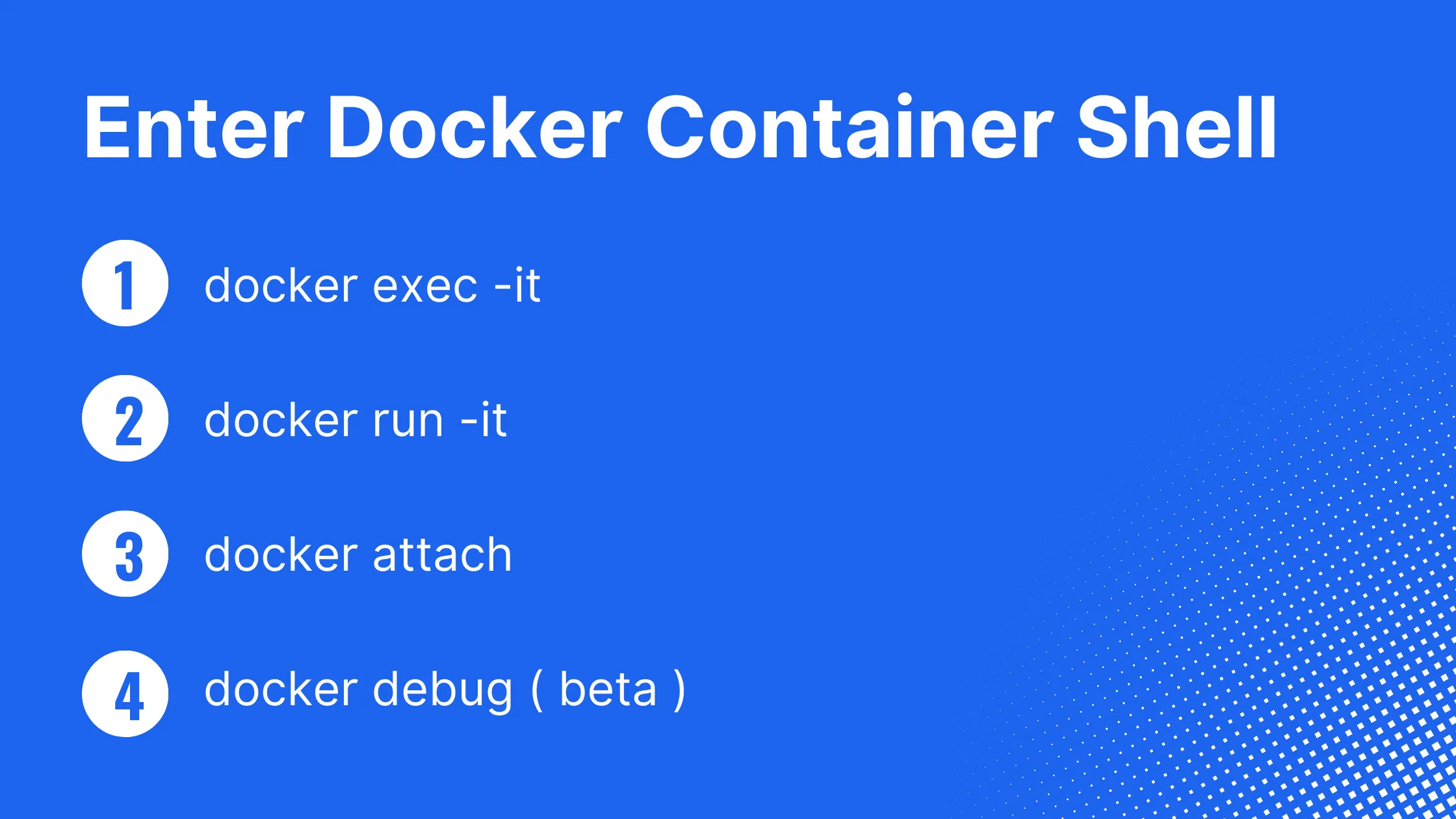
Docker provides various ways to enter Docker container shell, regardless of whether you want to connect to an existing container or run it for the first time.
1. Using Docker Exec Command
You can connect to the running container using docker exec the command.
The docker exec the command allows you to enter the Docker container shell with one exception: the container should be running.
Let’s run the nginx container to showcase:
docker run --name nginx_exec nginxNow the container is up and running but let’s verify the container status before, in case you have the container already running:
# Verify the running container
docker ps

CONTAINER ID   IMAGE   COMMAND      CREATED          STATUS        PORTS    NAMES
752efsfd9fes   nginx   "/bin/bash"  17 seconds ago   Up 22 seconds          nginx_exec
The Nginx container is up and running in the background let’s enter Docker container shell in Nginx.
# Using container name
docker exec -it nginx_exec bash

# Using container id
docker exec -it 752efsfd9fes bash
Syntax: **docker exec -it <container_name_or_id> <shell>**
Let’s understand this command:
docker execexecute the command inside the Docker container-itflag is used to indicate the Docker to open the interactive terminal withSTDIN- Lastly, you can pass the container name or container ID as a target.
In this example, you can see, that Docker provides an easy-to-use docker exec command to open the Docker container shell. But it only works when the container is running.
So if you want to debug and enter the Docker container shell you need to keep the Docker container alive and running.
2. Interactive Mode during Container Run
Sometimes you want to interact with the container immediately as soon as it runs for scenarios like debugging or manual configuration.
Docker provides a way to run the container directly with an interactive mode:
docker run -it --name nginx_interative nginx bashSyntax: **docker run -it <image_name> <shell>**
Let’s understand this command:
docker runallows to run the container with an additional flag-itflag indicates the Docker to open the interactive terminal withSTDINafter it starts running.- Once the container is running, you will have a bash shell running inside the container.
Master Docker Security - Without the Guesswork
Get the exact steps top engineers use to secure production containers. 100% free.
3. Attach to Running Container
You can attach your terminal’s standard input, output, and error to the running Docker container with docker attach.
Let’s attach to an already running container nginx:
docker attach nginx_execOnce you run this command, signals are transferred to the attached process. You can check the details about Attaching and Detaching From a Docker Container.
4. Docker Debug ( Beta )
Docker Debug is another way to enter Docker container shell.
However, this feature is still in beta and not recommended in the production environment. Docker Debug is unavailable in the community version you need a Pro, Team, or Business subscription.
docekr debug command follow the best security practices and keep Docker image small and secure. With Docker Debug support for bash, fish and zsh and provides the Linux tools pre-installed, vim, nano, htop, and curl
docker debug nginx_execLet’s verify the filesystem:
docker > ls
dev  etc  hello  nix  proc  sys
Conclusion
Accessing the shell inside the Docker container is necessary for troubleshooting containerized applications. In this blog, we explored the 4 simple methods to enter Docker container shell with syntax and use case, you can choose the appropriate method based on your specific requirements.
Checkout the below guide for additional Docker troubleshooting.
Docker Security Checklist + Guide
Practical, proven strategies to secure your containers like a pro - in under 20 minutes.
Troubleshooting Resouces Docker
Docker Container Security Cheatsheet
“No Space Left On Device” In Docker
How to Keep Docker Container Running For Debugging
How to Attach and Detach From a Docker Container

Kashyap Merai, a Certified Solution Architect and Public Cloud Specialist with over 8 years in IT. He helped startups in Real Estate, Media Streaming, and On-Demand industries launch successful public cloud projects.
Passionate about Space, Science, and Computers. He also mentors aspiring cloud engineers, shaping the industry's future.
Connect with him on LinkedIn to stay updated on cloud innovations.