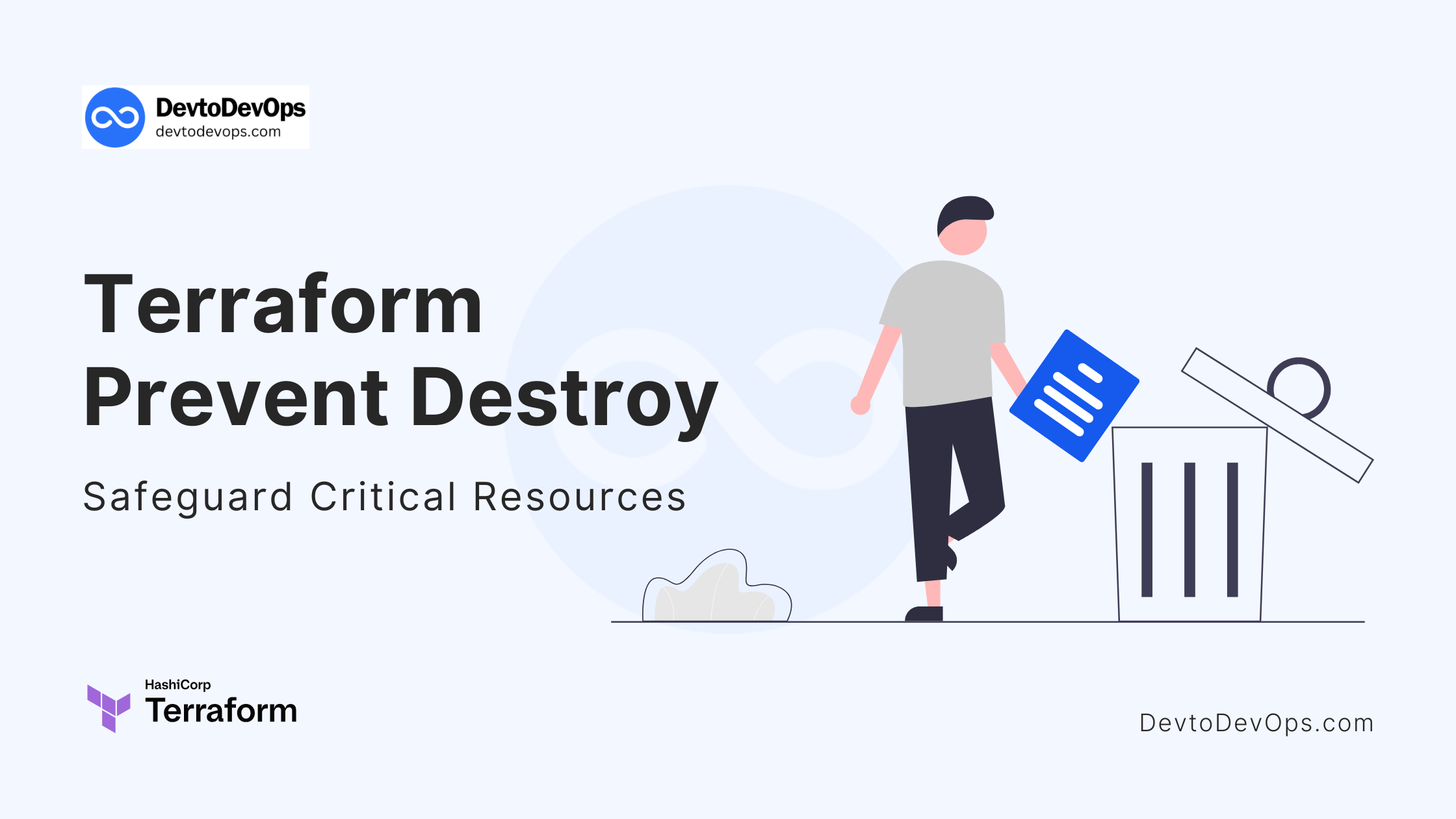
Terraform Prevent Destroy: Safeguard Critical Resources
In this guide, we’ll explore "Terraform Prevent Destroy", how to implement prevent_destroy, when to use it, and how to manage common challenges.
Kashyap Merai / / terraform · 5 min read
Managing the infrastructure as code with Terraform provides a lot of control and flexibility, but the greater power comes with a risk.
Accidentally deleting critical resources such as production databases, virtual machines or an S3 bucket could cause significant downtime and data loss. Terraform provides a way to mitigate this critical risk with the prevent_destory lifecycle attribute.
In this guide, we’ll explore “Terraform Prevent Destroy”, how to implement prevent_destroy, when to use it, and how to manage common challenges.
Understanding Terraform Prevent Destroy
What is prevent_destroy and Why do You Need It?
Terraform has the resource lifecycle management and prevent_destory attribute is part of the lifecycle configuration.
It’s an exceptional feature that acts as a safety by preventing Terraform from deletion the specified resources even if it’s planned during the terraform apply operation.
This is crucial and protects the production environments where destroying resources like databases or file storage could have a catastrophic impact.
Let’s understand how critical it is, imagine if you’re managing an S3 bucket that has customer-sensitive data. If by mistake that S3 bucket is destroyed, the data will be lost permanently.
You should always enable the prevent_destory that way you can ensure that even if someone runs the destroy operation by mistake, Terraform will block it from processing.
Scenarios Where prevent_destroy is Crucial
Let’s check some of the situations where prevent_destory can work best:
Production Databases: Preventing accidental deletion of live production databases that contain business important data.
Stateful Resources: Resources that have unique data or configurations that cannot be easily recovered or replicated.
Compliance-Critical Assets: Resources subject to strict compliance regulations, where deletion could lead to violations.
Kickstart Your DevOps Career
Get the free Notion training board that shows you exactly what to learn, in what order, with zero guesswork.
How to Implement Terraform Prevent Destroy in Your Configuration
Adding prevent_destroy to a Resource Block
Implementing prevent_destroy is straightforward. You just need to add the attribute to the lifecycle block in your Terraform resource definition.
This small addition of attributes can save you from significant headaches down the road.
Example Code: Enabling prevent_destroy for a Resource
Here’s a simple example that shows how to apply prevent_destroy to an AWS S3 bucket:
resource "aws_s3_bucket" "example" {
  bucket = "terraform-prevent-destroy-bucket"

  lifecycle {
    prevent_destroy = true
  }
}
Let’s understand the above configuration:
In the
lifecycleblock you define settings to control the resource lifecycle.By setting
prevent_destroy = true, any attempt to delete this S3 bucket using Terraform will be blocked.
This configuration is particularly useful in environments where multiple teams have access, reducing the risk of accidental deletions during regular operations.
Terraform Prevent Destroy: Best Practices and Common Issues
Handling Changes and Dependencies
Using the prevent_destory is easy but at the same time it’s important to plan how that might affect your setup and dependencies.
Let’s say you’re not using the resource with the prevent_destory attribute and later decide to modify or replace a resource with the enabled, you might face an error or conflict.
A recommended way to handle this issue is to use clear versioning and ensure all the team members aware of the attribute restriction applied to the protected resources.
I suggest you read more about the Top 5 Terraform Module Versioning Best Practices.
How to Remove or Override prevent_destroy
In some cases, you may need to delete a resource that was previously protected. To do this, you can temporarily remove the prevent_destroy attribute:
Edit the Terraform configuration and set
prevent_destroytofalse.Run
terraform applyto update the state.Confirm that the attribute has been removed
Finally, proceed with the deletion.
Don’t forget to carefully document these changes and communicate them with your team to avoid unintended issues.
Terraform Comment Block: A Comprehensive Guide
Free DevOps Learning Board for Absolute Beginners
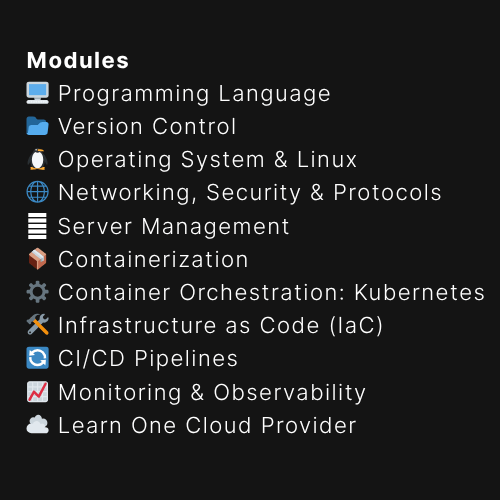
11 core modules, curated content, and clear action steps - all in one interactive Notion board.
Terraform Prevent Destroy Troubleshooting
Understanding Error Messages Related to prevent_destroy
When prevent_destroy blocks an action, Terraform provides a clear error message. Typically, the message will inform that the resource cannot be deleted due to the lifecycle configuration. Check the below example for the message.
$ terraform destroy
aws_s3_bucket.example: Refreshing state... [id=i-00sdf5454545b5143]
╷
│ Error: Instance cannot be destroyed
│
│   on main.tf line 31:
│   31: resource "aws_s3_bucket" "example" {
│
│ Resource aws_s3_bucket.example has lifecycle.prevent_destroy set, but the
│ plan calls for this resource to be destroyed. To avoid this error and
│ continue with the plan, either disable lifecycle.prevent_destroy or reduce
│ the scope of the plan using the -target flag.
Understanding this message from Terraform is essential for diagnosing issues and deciding if the protection is still necessary.
Ensuring Proper Resource Planning and Updates
You can easily avoid the conflict by reviewing the Terraform plans thoroughly before any operations. The best practice is to implement the automated tests and peer review process to catch the potential destructive action early.
Simply if a resource is critical enough to issue prevent_destroy, it should also have access controls, monitoring, and audits in place.

Conclusion: Safeguarding Your Terraform Resources Effectively
Infrastructure management is complex, using the Terraform prevent_destroy attribute can be useful for safeguarding critical resources and Terraform Prevent Destroy resources.
Implement this feature in Terraform and you can add an extra layer of protection against human error and unexpected changes.
Managing production databases or compliance-critical assets, integrating prevent_destroy should be part of your Terraform best practices.

Kashyap Merai, a Certified Solution Architect and Public Cloud Specialist with over 8 years in IT. He helped startups in Real Estate, Media Streaming, and On-Demand industries launch successful public cloud projects.
Passionate about Space, Science, and Computers. He also mentors aspiring cloud engineers, shaping the industry's future.
Connect with him on LinkedIn to stay updated on cloud innovations.