Mastering Docker: A Comprehensive Guide
Docker is a platform to manage your infrastructure like your applications. With Docker, you can build, ship, and run the application in the containers.
Kashyap Merai / / docker · 5 min read
Docker is a platform to manage your infrastructure like your applications. With Docker, you can build, ship, and run the application in the containers, reducing the time between writing the code and running it in production.
This comprehensive guide will cover everything about Docker, providing in-depth explanations, best practices, and valuable resources to help you master the Docker.
What is Docker?
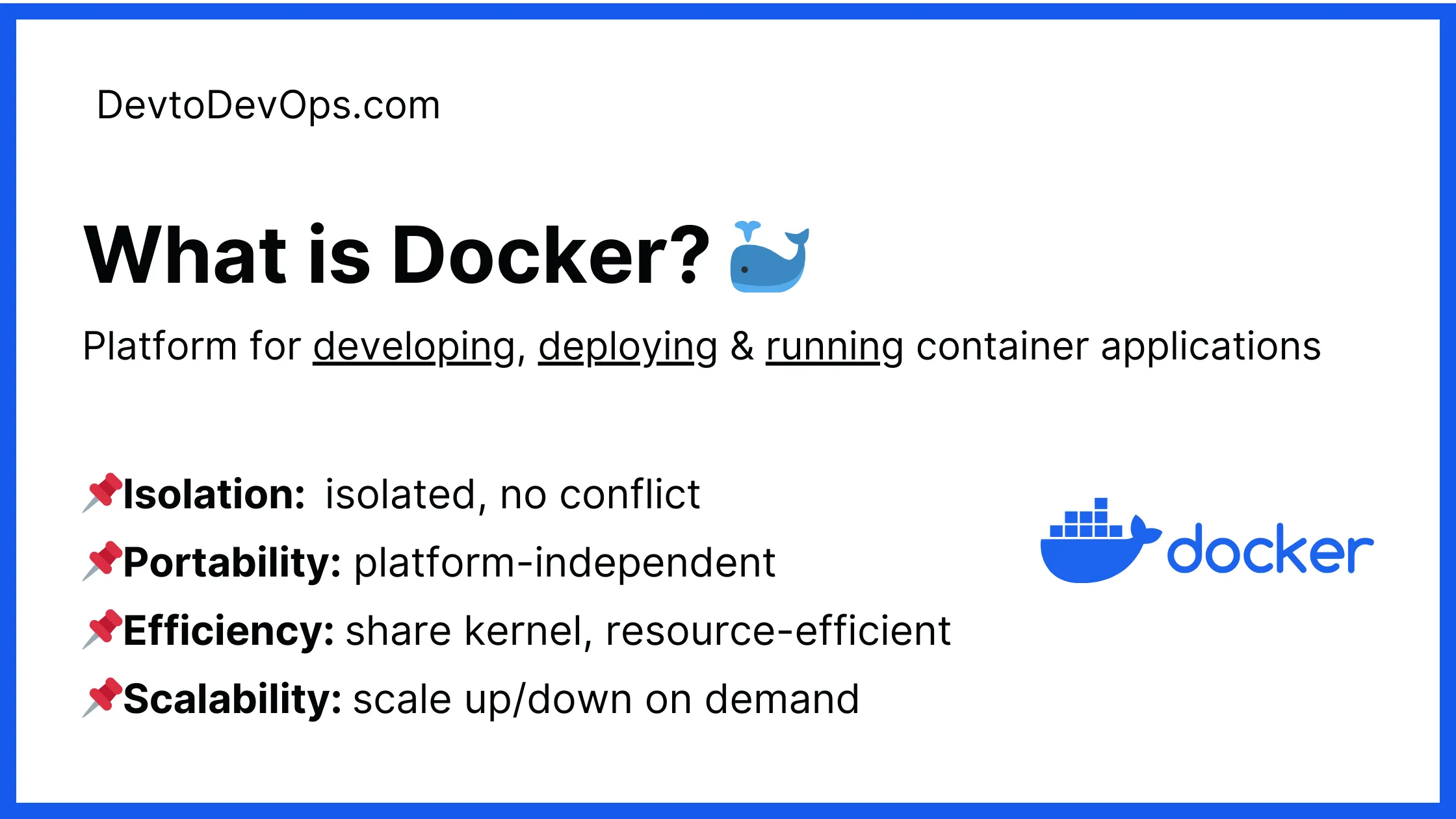
Docker is a platform for developing, deploying, and running container applications. Docker containers are lightweight and isolated environments to run your application code. The container includes everything your application needs to run: code, system libraries, runtime, and dependencies.
What is Docker?
Docker container gives you several advantages:
Isolation
Docker runs applications inside the container that are isolated and run independently. This prevents conflicts and provides consistent behavior across your environment.
If you run two applications and both need different versions of PHP, with a Docker container you can easily build and ship the two different versions in your Docker container without any conflict.
Portability
Docker containers are platform-independent meaning they can run on any system with Docker installed regardless of the Operating System.
You can run the same application container on Linux, Mac, or Windows without extra configuration. This makes it easy to share with the team and deploy the application on various platforms.
You can develop your entire application on Linux and your team might be working on Mac can pull the same Docker image and run the application in the container.
Efficiency
Docker containers are different than traditional virtual machine virtualization. Docker containers are lightweight and share the host operating system’s kernel, making them resource-efficient. More resource-efficient means, you can run more containers on the same hardware spec compared to traditional VMs.
Instead of running multiple virtual machines with their operating systems, you can use Docker to run containers in a single host.
Scalability
Docker containers can be scaled by provisioning the additional containers as needed. Your application can adapt to the demand and scale quickly.
Docker can spin up additional containers during the peak traffic time and scale down back to normal by removing these containers.
Master Docker Security - Without the Guesswork
Get the exact steps top engineers use to secure production containers. 100% free.
Getting Started with Docker
Before moving forward, make sure you have Docker installed on your system. You can follow the official installation guide for the various operation systems on the Docker website:
https://docs.docker.com/engine/install/
Once you have Docker installed and running, check the common Docker commands:
docker pull | Pull a Docker image form the registry. |
|---|---|
docker run | Pull and starts a container from an image. |
docker stop | Stops a running container. |
docker ps | Lists all running containers |
docker ps -a | List all containers running and stopped. |
docker images | List all downloaded images. |
docker rm | Removes a stopped container. |
docker rmi | Remove a downloaded image. |
Docker Basic Commands
Building Docker Images
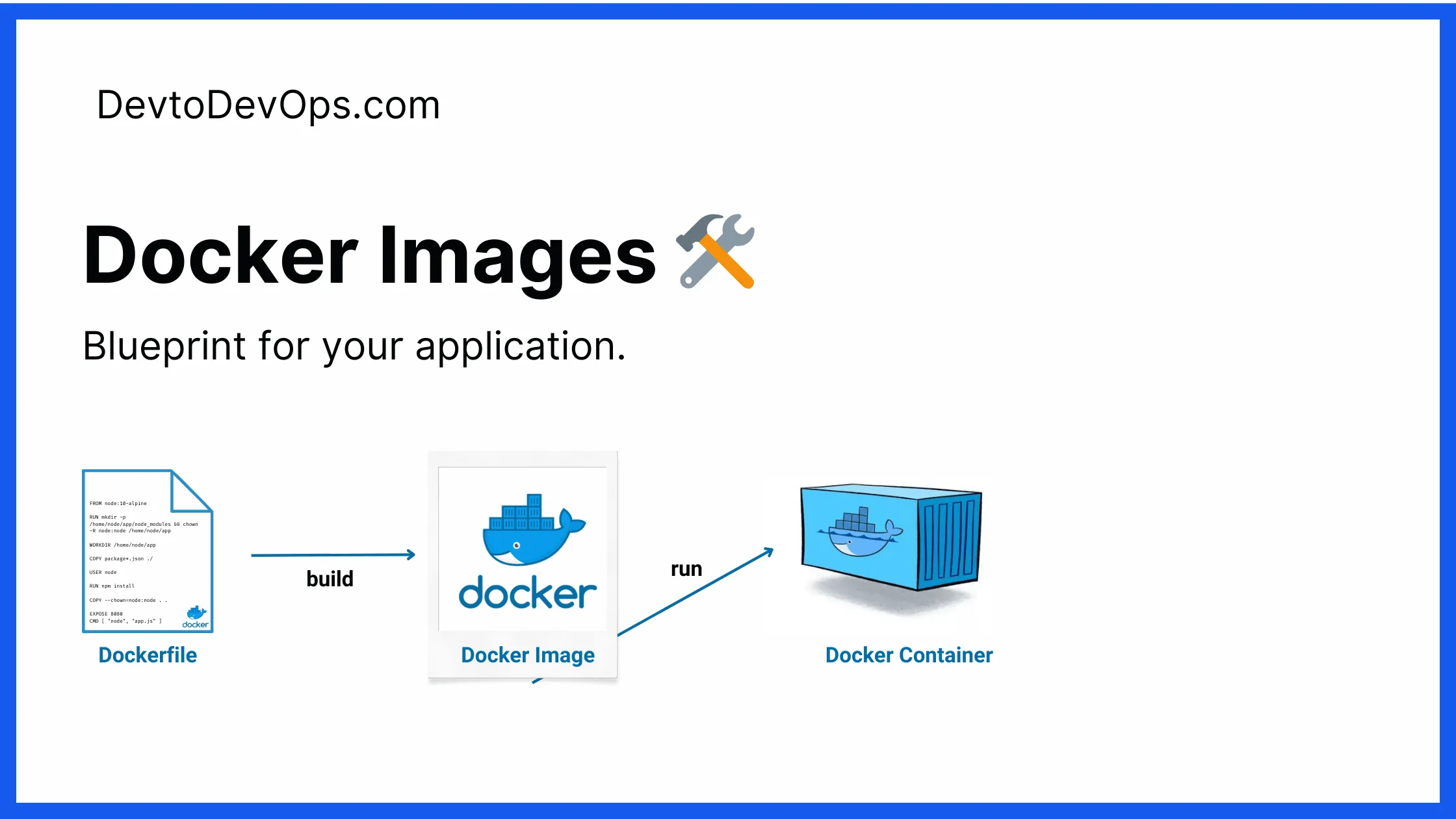
Docker images are the blueprint for your application with all the instructions defined for building the image.
Docker Images
You can use the already available Docker images from the Docker HUB or Private Registry, you can also write your own Dockerfile to build the Docker image.
You can build the Docker image:
docker build -t myapp:latest .Must Read
Docker Build 39x Times Faster: Docker Build Cloud
Hadolint: Comprehensive Guide to Lint Dockerfiles
Free DevOps Learning Board for Absolute Beginners
11 core modules, curated content, and clear action steps - all in one interactive Notion board.
Running Docker Containers
Once your Docker image is built or pulled from the remote repository, you can run it as a container.
Docker Containers
Running a Docker container is straightforward:
docker run --name myapp myapp:latestThe above command will run the Docker container named myapp, you can check the running container with docker ps
Checkout the below guide for the container management:
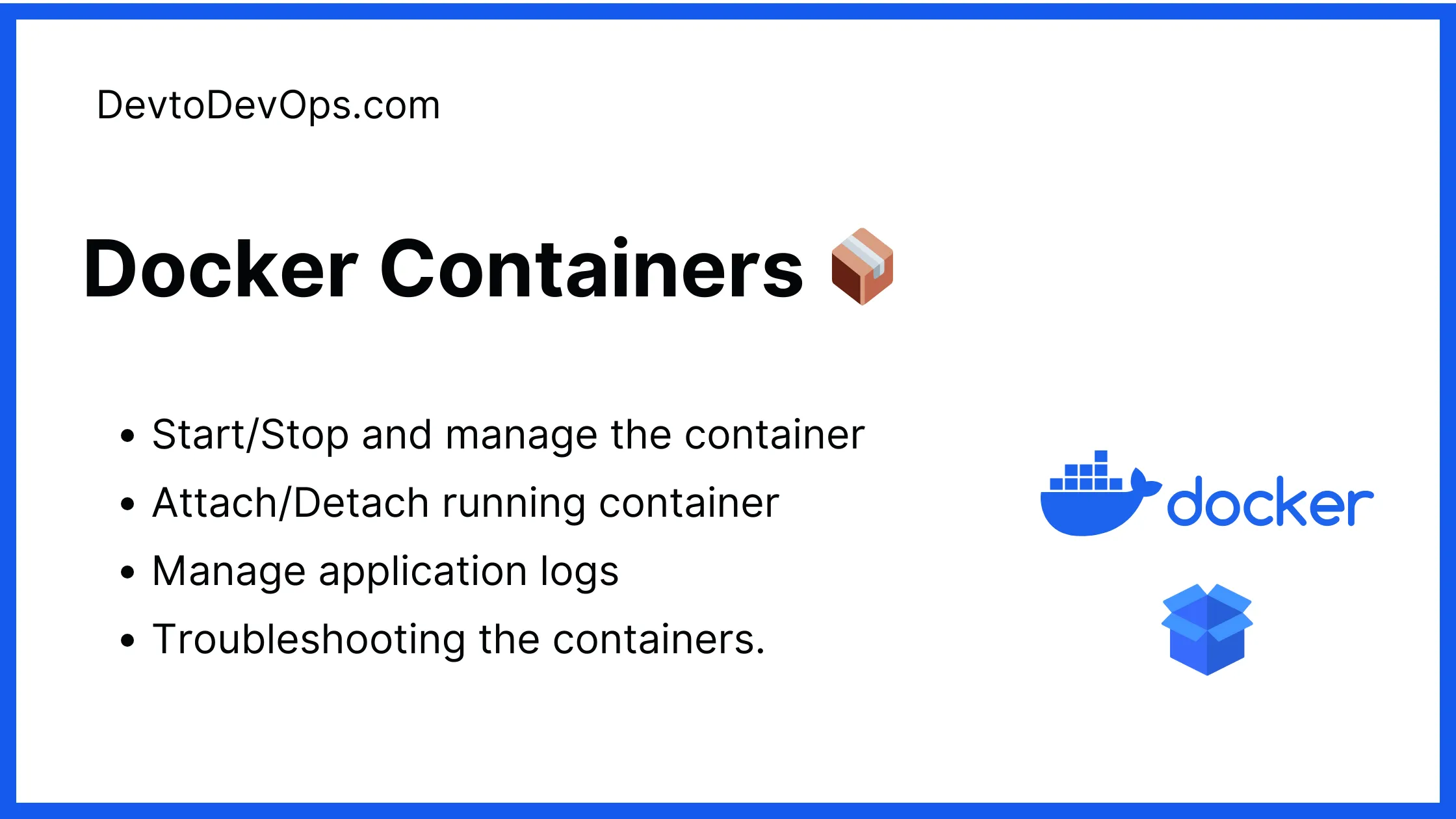
Start/Stop and manage the Containers
Attach to a running container and interact with the shell
Manage application logs
Advanced debugging tips for troubleshooting the containers.
Must Read
10 Docker Container Naming Convention Best Practices
Docker Container Logs Location: A Comprehensive Guide
Enter Docker Container Shell – 4 Effective Methods
Docker Container Default Memory Limit: You Should Know!
Docker Container ls Filter: 13 Ultimate Hacks!
How to Attach and Detach From a Docker Container
Troubleshooting Guide
6 Best Ways to Keep Docker Container Running For Debugging
Shocking Truth! Fix Docker Container Exit Code 137
Docker Kill Command Not Working: Troubleshooting Guide
Docker Networking
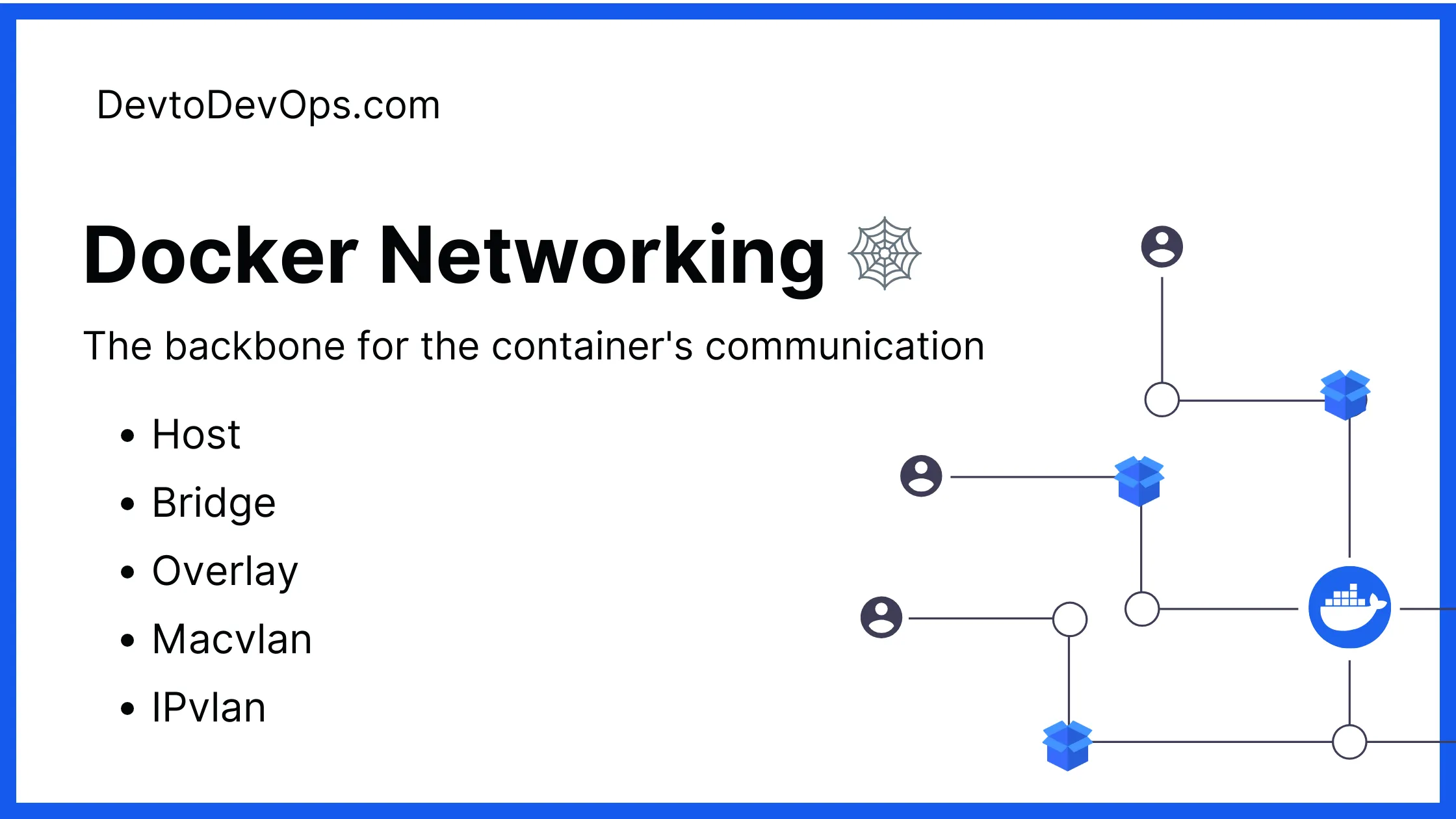
Docker networks are the backbone for the container’s communication with each other and the outside world. Docker offers various networking drivers, and choosing the right one is important for your application.
Docker Networking
This guide will provide information on various network modes and how to utilize them in your application to make it efficient and reliable.
Must Read
10 Docker Network Best Practices: For Optimal Container Networking
Docker Network Overlay vs Bridge – Ultimate Difference
Docker Network External vs Internal: Simplified 3-Minute!
Docker Network Find Active Endpoints: 3 Powerful Methods 💪
Docker Compose Network Name Without Prefix – 3 Easy Tricks
Find Docker Which Network is Container Using
Docker Security Checklist + Guide
Practical, proven strategies to secure your containers like a pro - in under 20 minutes.
Docker Security
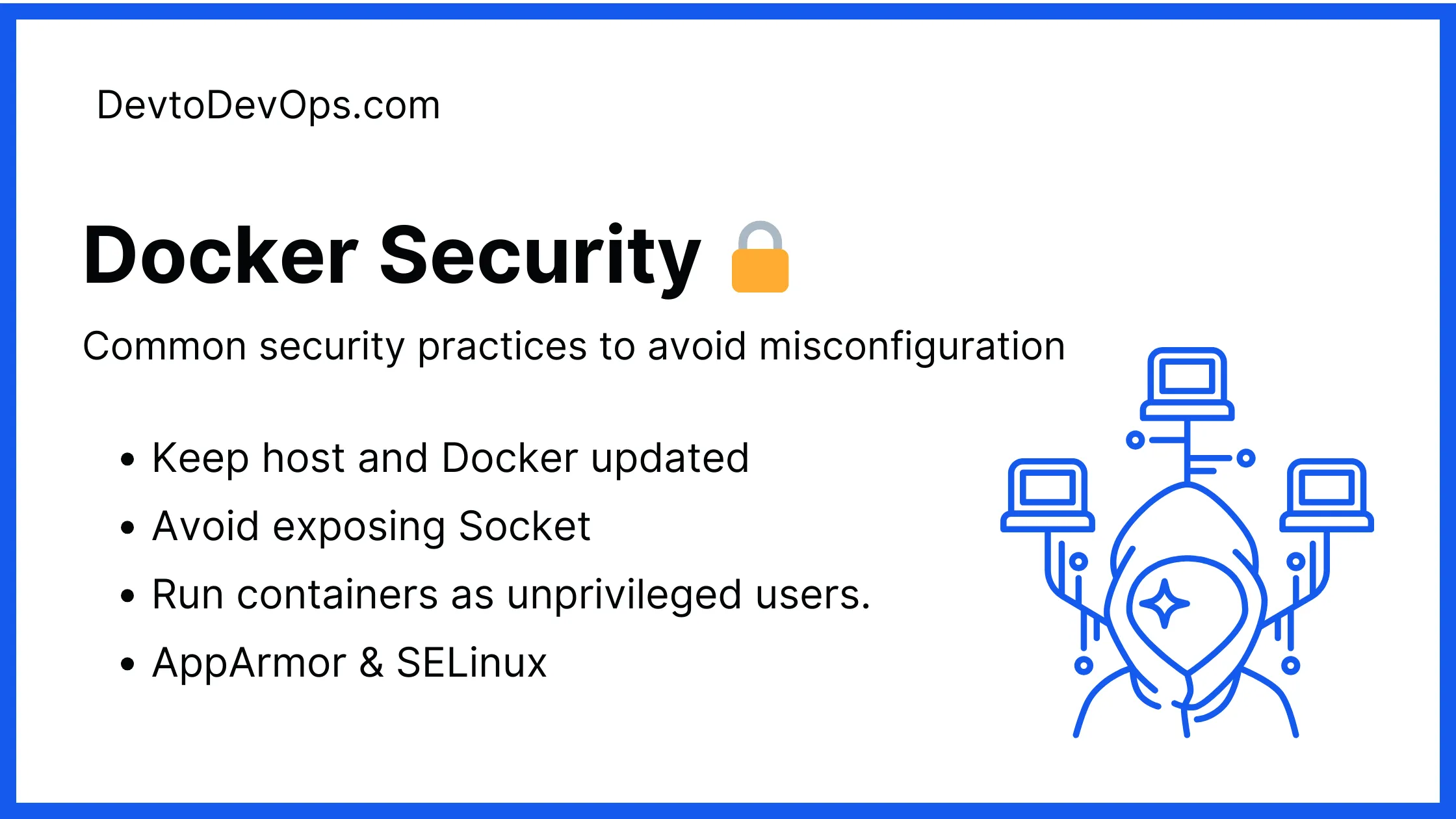
Docker security is essential for running and maintaining the container workload. Docker container can significantly improve security when configured properly compared to the traditional running on the host system.
Docker Security
This guide focuses on the common security practices to avoid misconfiguration and follow the best practices to secure your Docker environment.
Must Read
Docker Container Security Cheatsheet: Don’t Get Hacked🔐
Pushing Docker Images
Building and running Docker images in the local environment is easy but sharing your Docker images with the other team members is important for collaboration and deployment.
You can follow this guide to cover the important topics related to:
Building the Docker image from scratch
Setting up the remote registry
Publish local Docker images to the remote registry.
Difference between Public vs Private r registry.
Must Read
Docker Push Image to Remote Registry Made EASY -⏱️ 5-Minute!
Stop Googling Podman Commands
Grab the cheat sheet that gives you the right commands, right when you need them.
Docker Alternative: Podman
Docker provides an easy-to-use and wide ecosystem for running and managing containerized applications, but Docker is not the only option.
Podman is a daemonless and Linux-native tool to develop, manage, and run containers using the Open Container Initiative ( OCI ) developed by RedHat.
Choosing Docker or Podman depends on your project requirements. In this guide, we will explore the difference between Docker and Podman along with the guide on which one is best for your next project.
Must Read

Kashyap Merai, a Certified Solution Architect and Public Cloud Specialist with over 8 years in IT. He helped startups in Real Estate, Media Streaming, and On-Demand industries launch successful public cloud projects.
Passionate about Space, Science, and Computers. He also mentors aspiring cloud engineers, shaping the industry's future.
Connect with him on LinkedIn to stay updated on cloud innovations.